
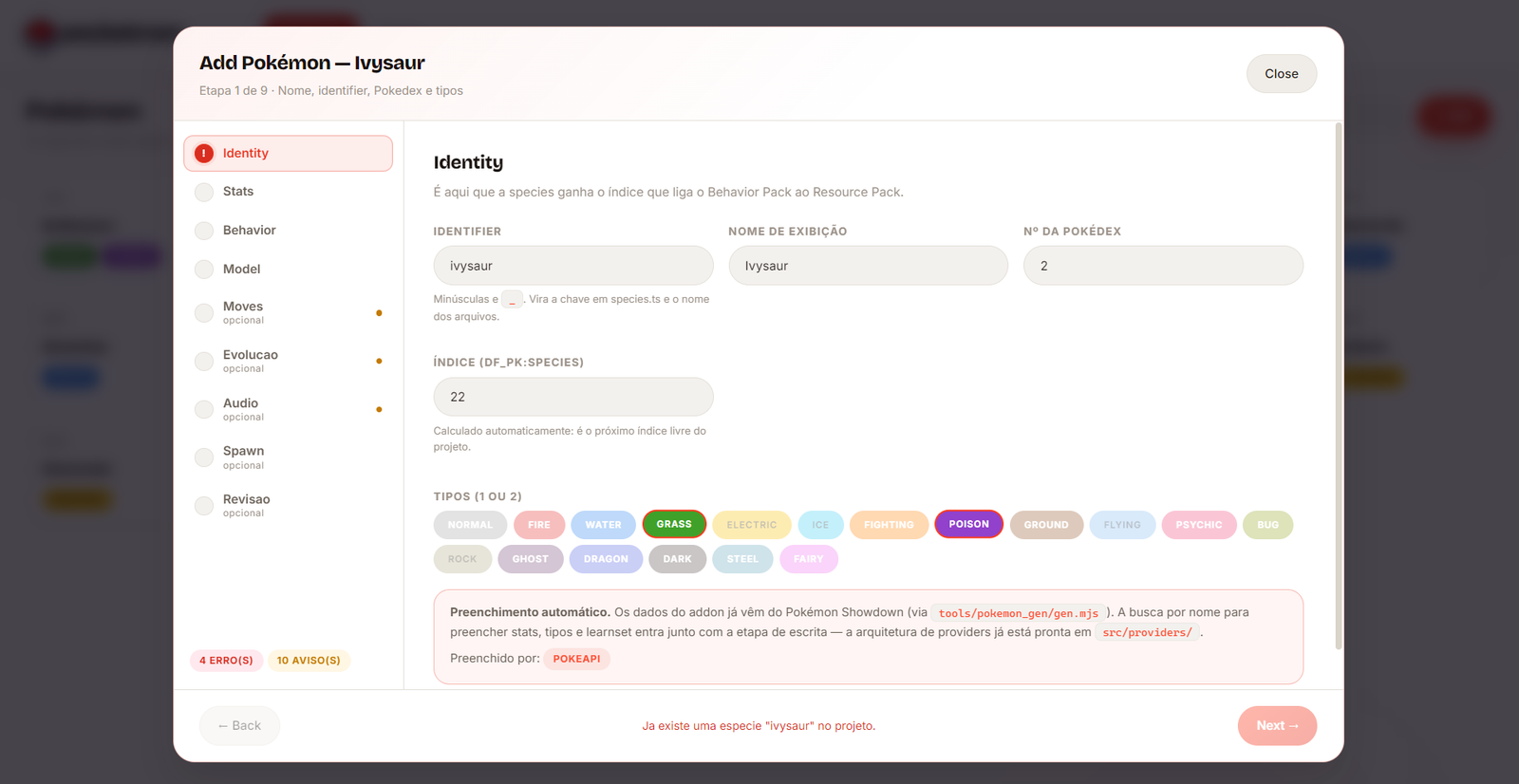
Sets the identifier, display name, Pokédex number, and types. Auto-filled from Pokémon Showdown data via PokeAPI.
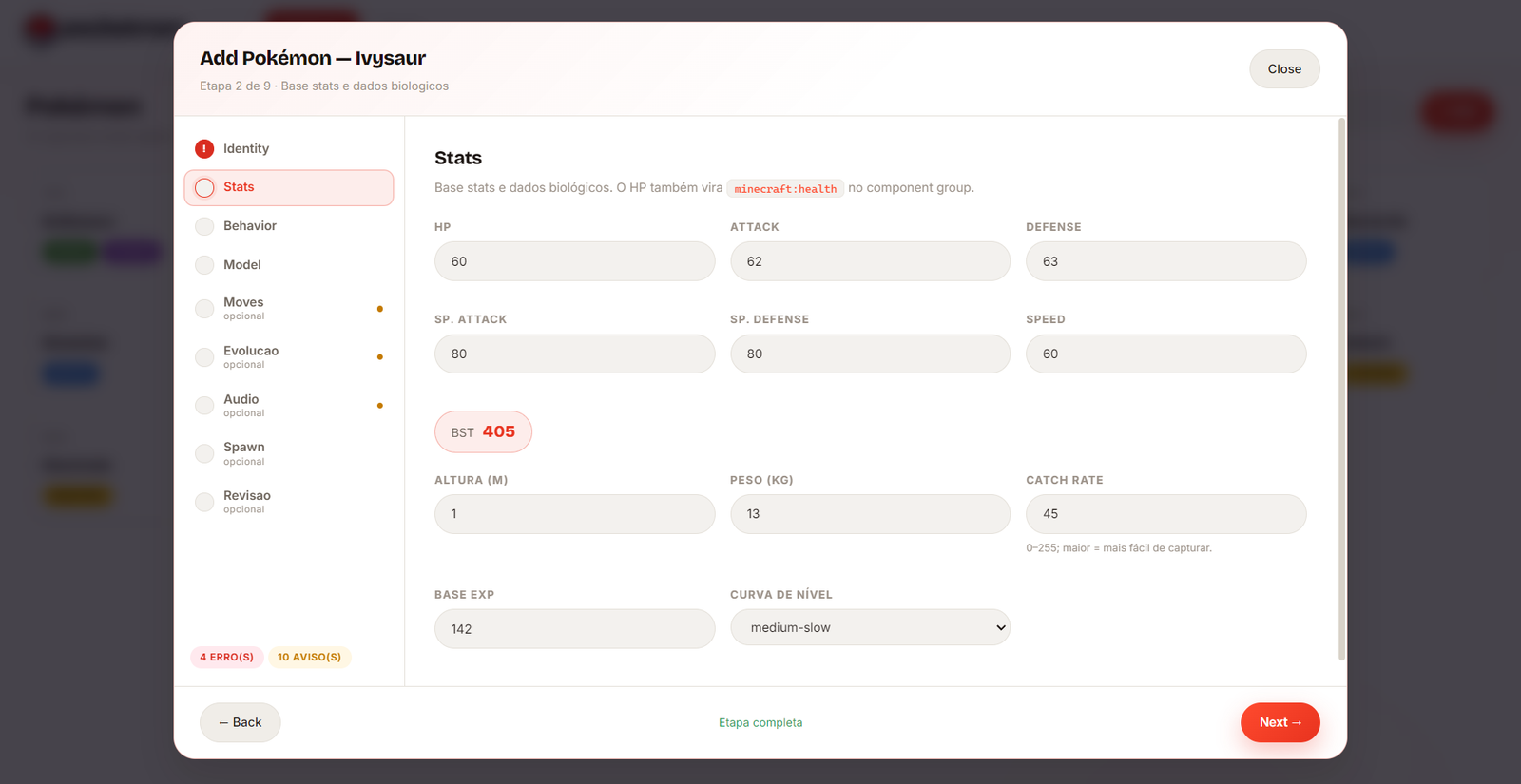
Base stats and biological data — HP, Attack, Defense, height, weight, catch rate, and level curve.
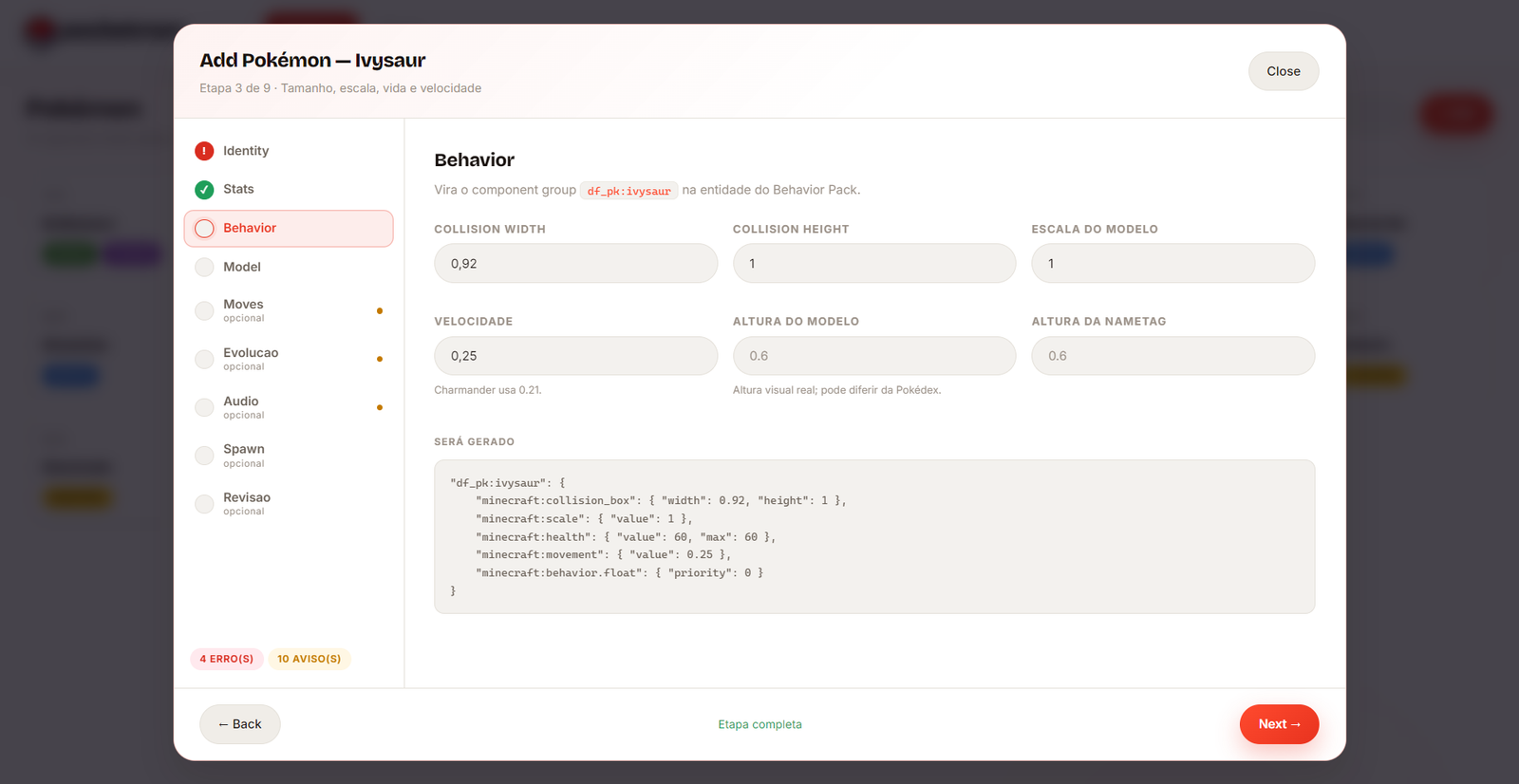
Collision size, model scale, and movement speed — becomes the df_pk:<species> component group.
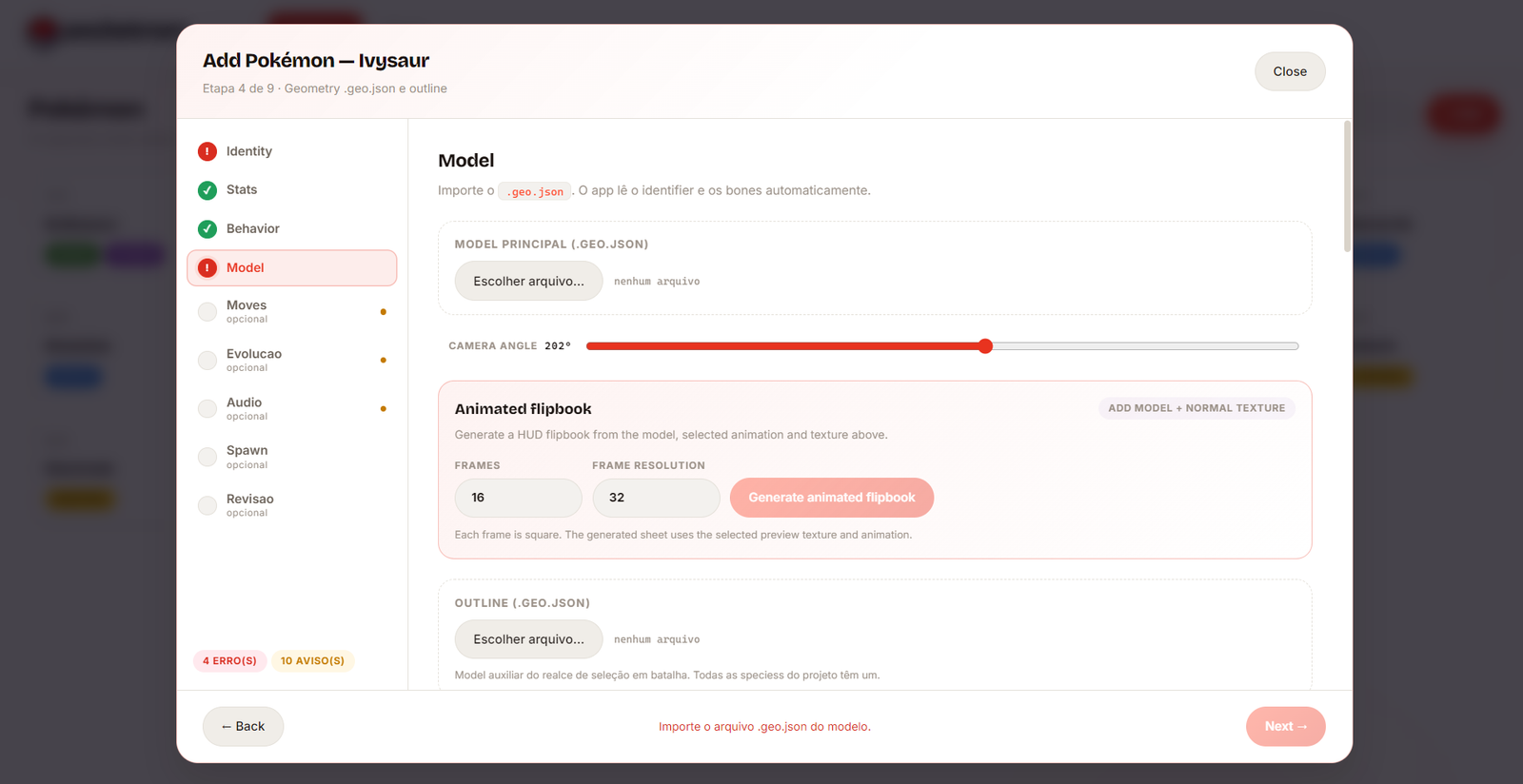
Import the .geo.json model and outline. The app reads the identifier and bones automatically. You can also generate an animated HUD flipbook here.
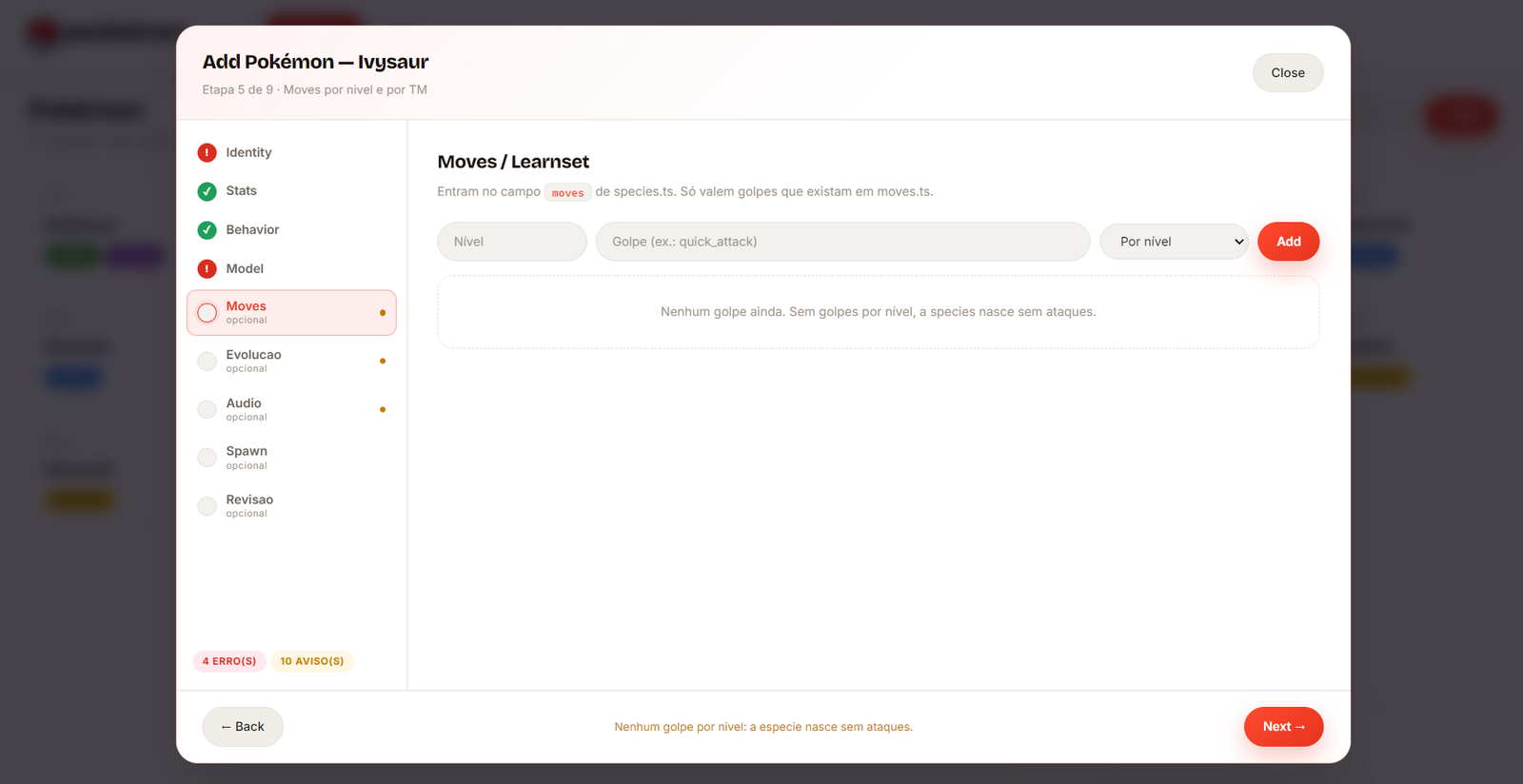
Add moves by level or TM. Only moves that already exist in moves.ts are valid.
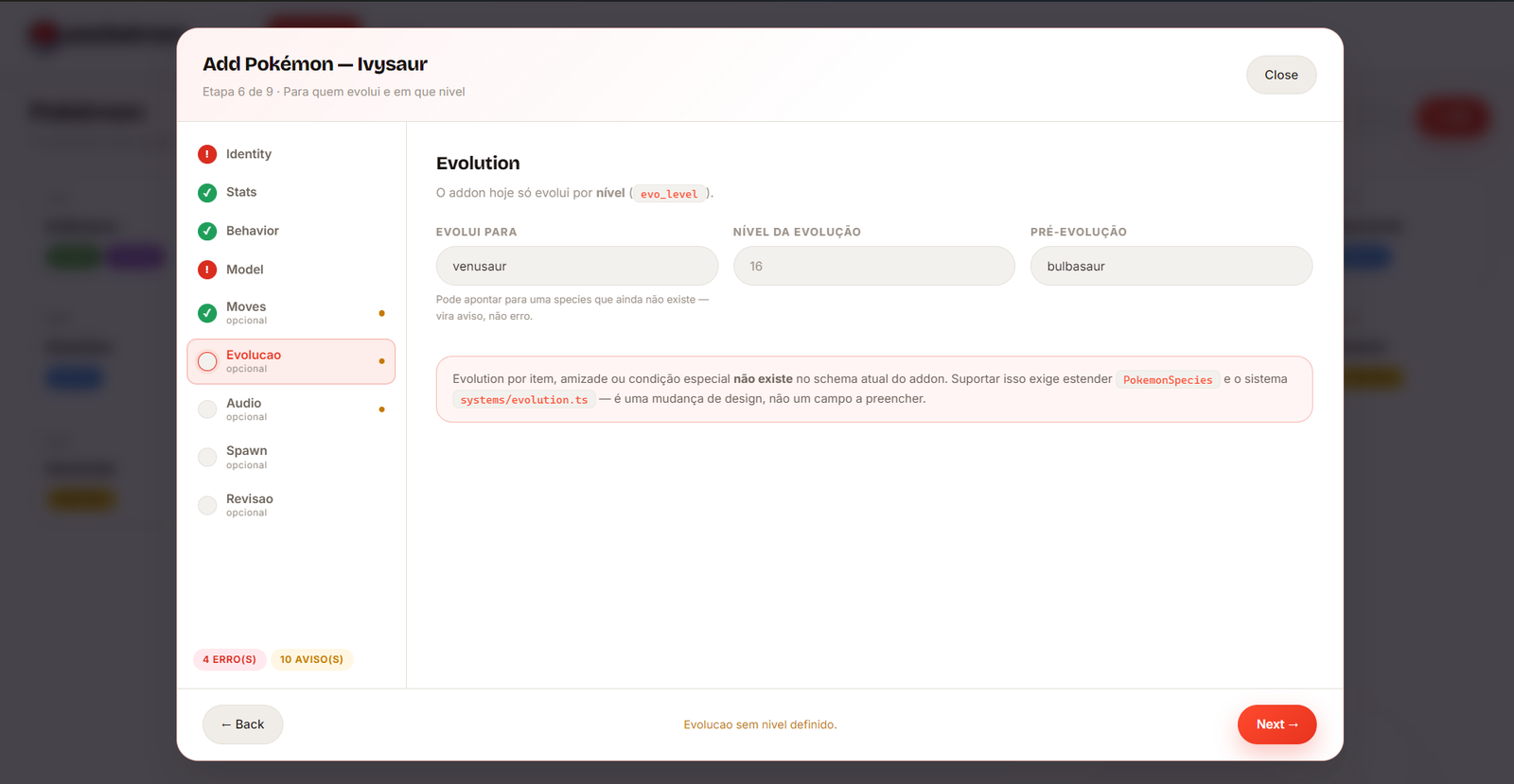
Level-based evolution only, for now — target species and level. Evolution by item or friendship isn't supported by the current schema.
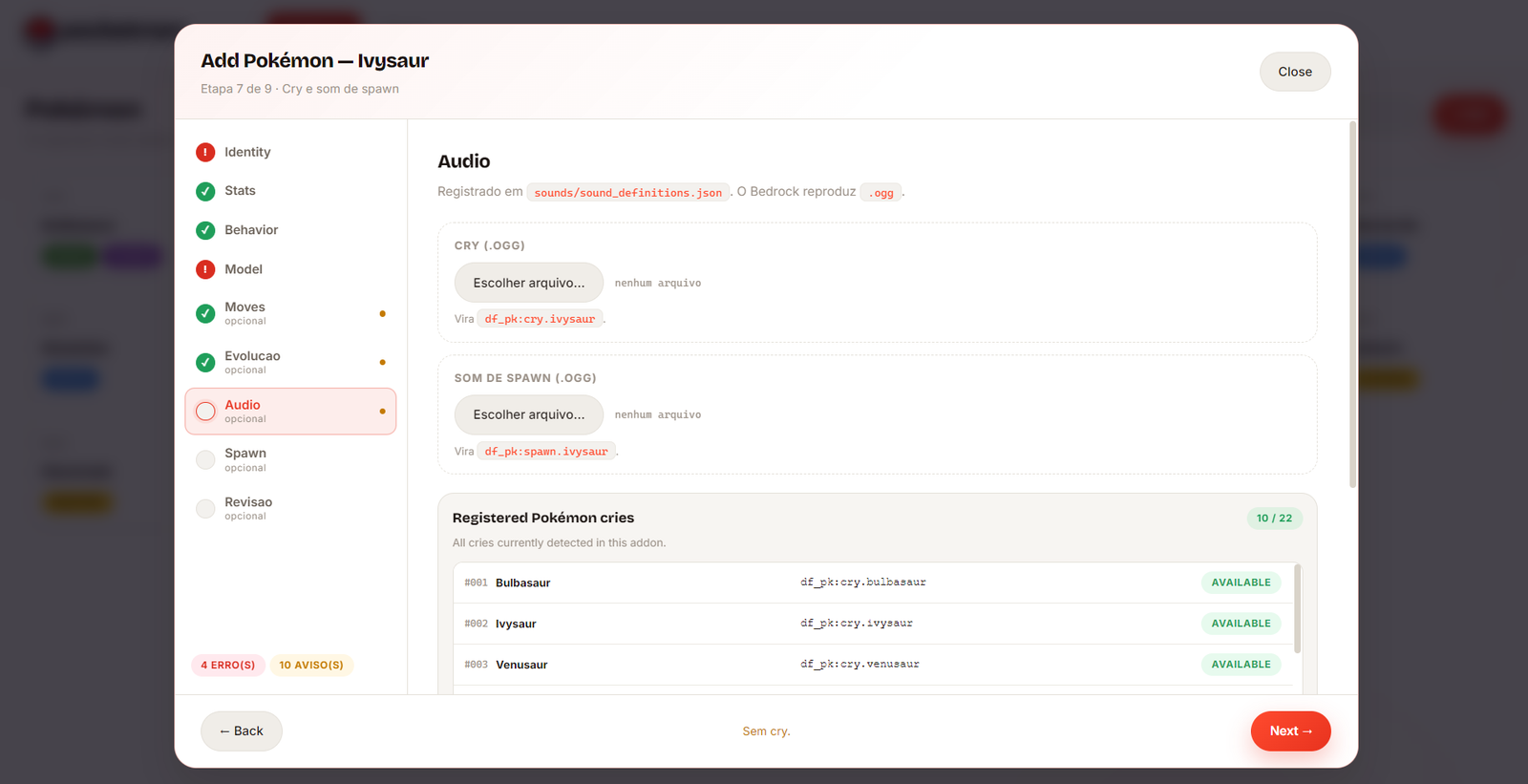
Upload the cry and spawn sound (.ogg), registered in sounds/sound_definitions.json.
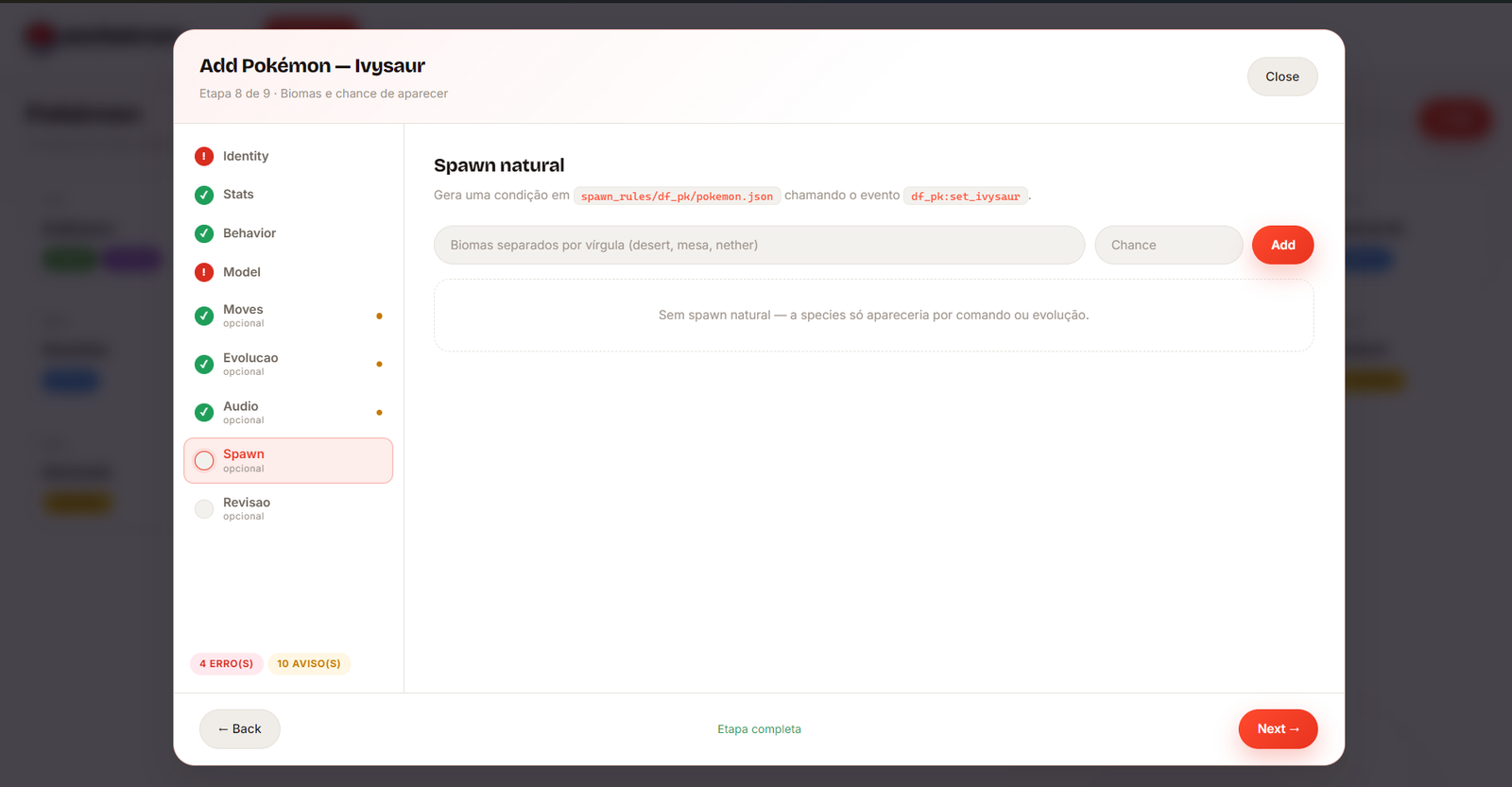
Natural spawn conditions — biomes and spawn chance. A species with no spawn rule only appears via command or evolution.
Read the full diff before applying — every file that will be created or modified. Close Minecraft, then confirm.
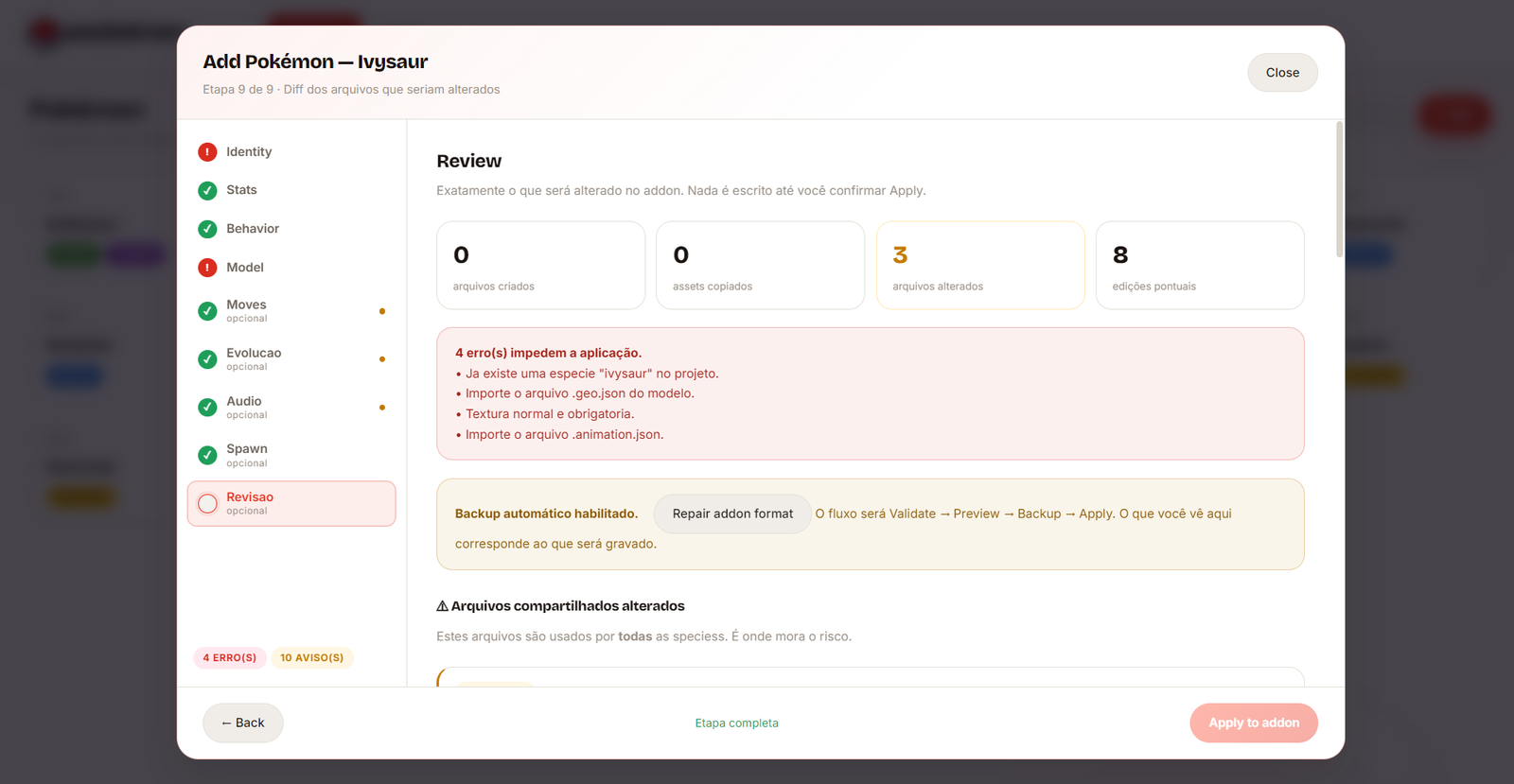
Review — files created, assets copied, files changed, and any blocking errors before Apply.
Fix any blocking errors shown in red.
Read the diff on the Review step.
Close Minecraft and confirm to apply.
The wizard calculates a free index, validates IDs and moves, inspects geometries and animations, and shows every shared file that will change.